Graphics
Apologies for the mess this page is, but I decided to group all of my graphics into one place instead of having them all spread out over multiple pages and having a directory page that was essentially blank. Due to this, I will say that this page might load incredibly slow for some people. Pretty much all of my stuff here is made in the style of oldschool forum & livejournal webgraphics rather than the pixels that people tend to associate webgraphics with. Everything here has been made by me, and goes back several years, as early as 2002. This is all for archival reasons. Any resources used here have had distinct credits lost to time, but I attempted to organize the credits I knew of on my GFX credit page, but I have no way of knowing 100% what credits are and are not missing. If you think you recognize something and it isn't credited, you're free to contact me and I will gladly add missing credit.
If you want a collection of graphics that I didn't make, I do have an archive here.
Journal Icons




















Umineko Expressions


Fanart Icons & Forum Requests
So, I decided to put some of these up for the sake of archival reasons. A decent amount are made using fanart, and they're all incredibly old (Like 2004-2010?). I made a lot of them over the years (due to taking forum requests for graphics, as that was a popular thing). It seemed like people generally wanted to see all of them based on poll results & a few stray comments, so I'm just dumping them here. It will take time to organize all of this. Originally I wanted to put them all in one go, but that's just not happening. I generally am still unsure how to feel on posting most of these, considering how I generally don't agree with the choices a lot of people made back then to make graphics using fanart these days and I now understand why it's incredibly wrong. But it's a thing that happened, and I really don't want to deny the past. So, have fun with them, I guess. I'm not going to stop you from taking and using these, you can make your own choices, but I would rather not be credited on anything not using official art.
Show 100x100 icons


Stamps





Transparent Images
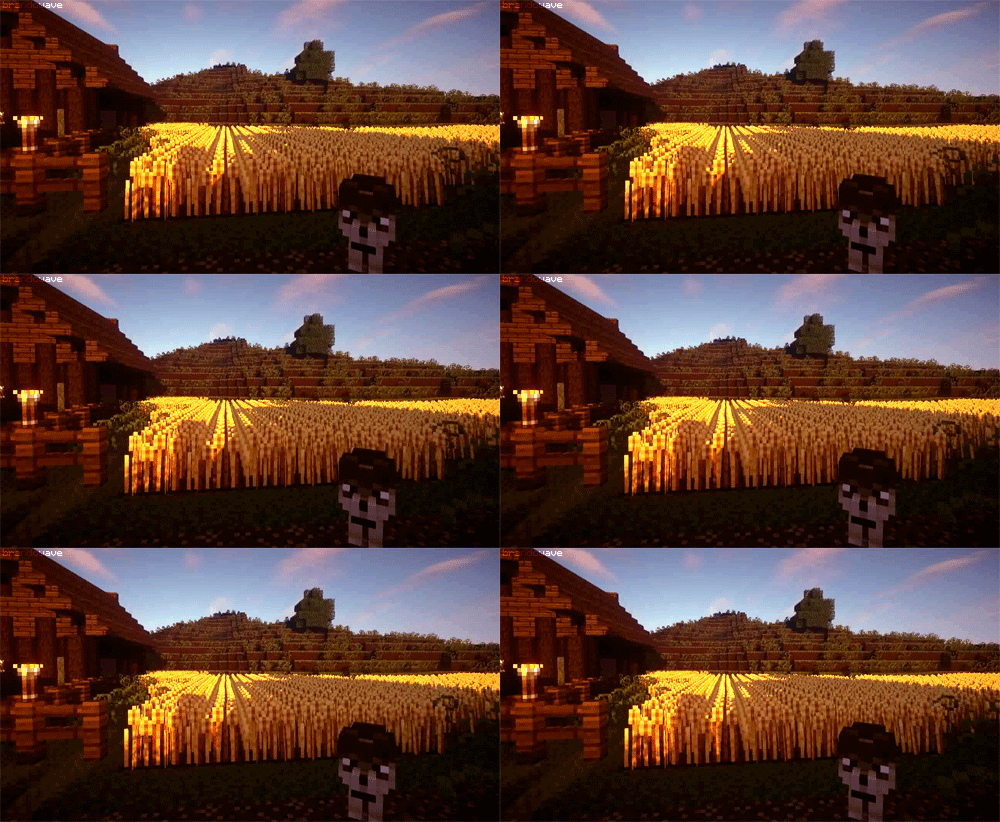
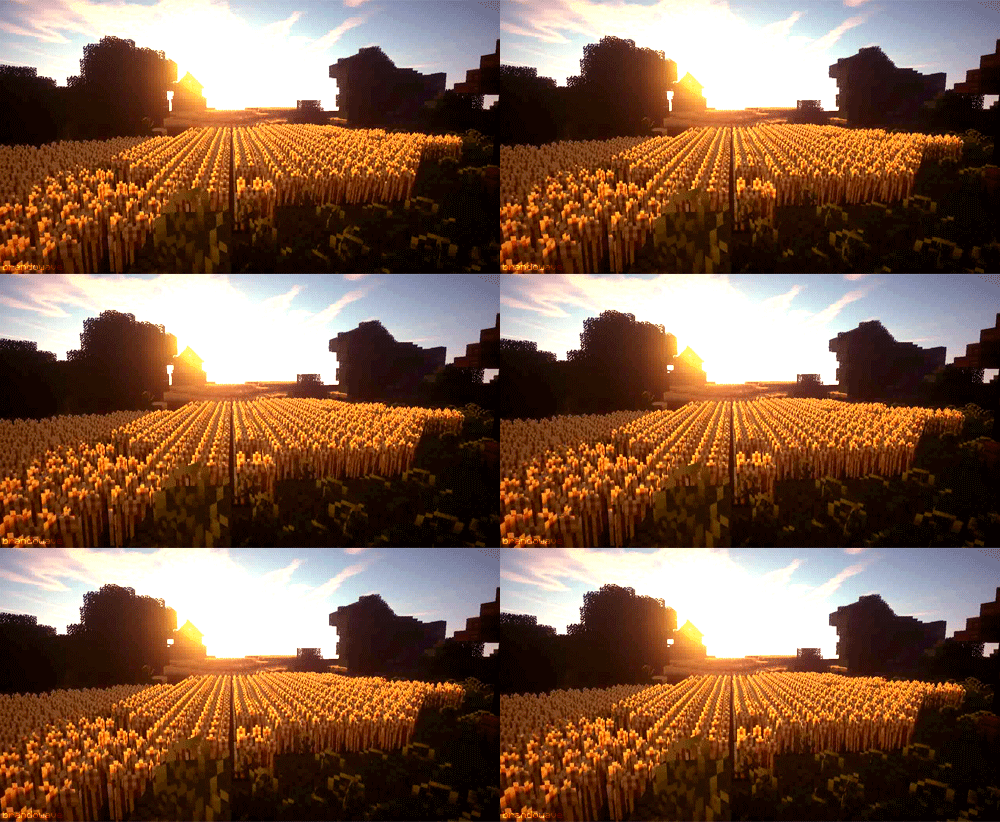
Click the thumbnail to open in a separate window. These aren't the best quality, they're just me cutting things out as I used them.


Gifs
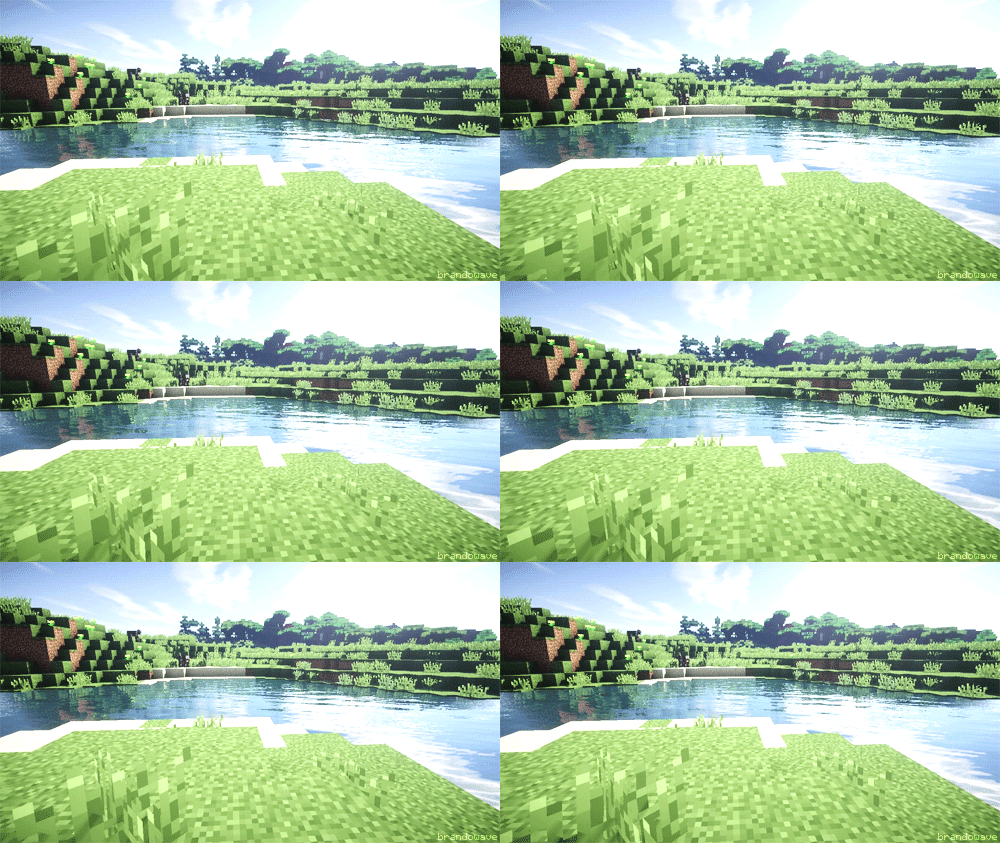
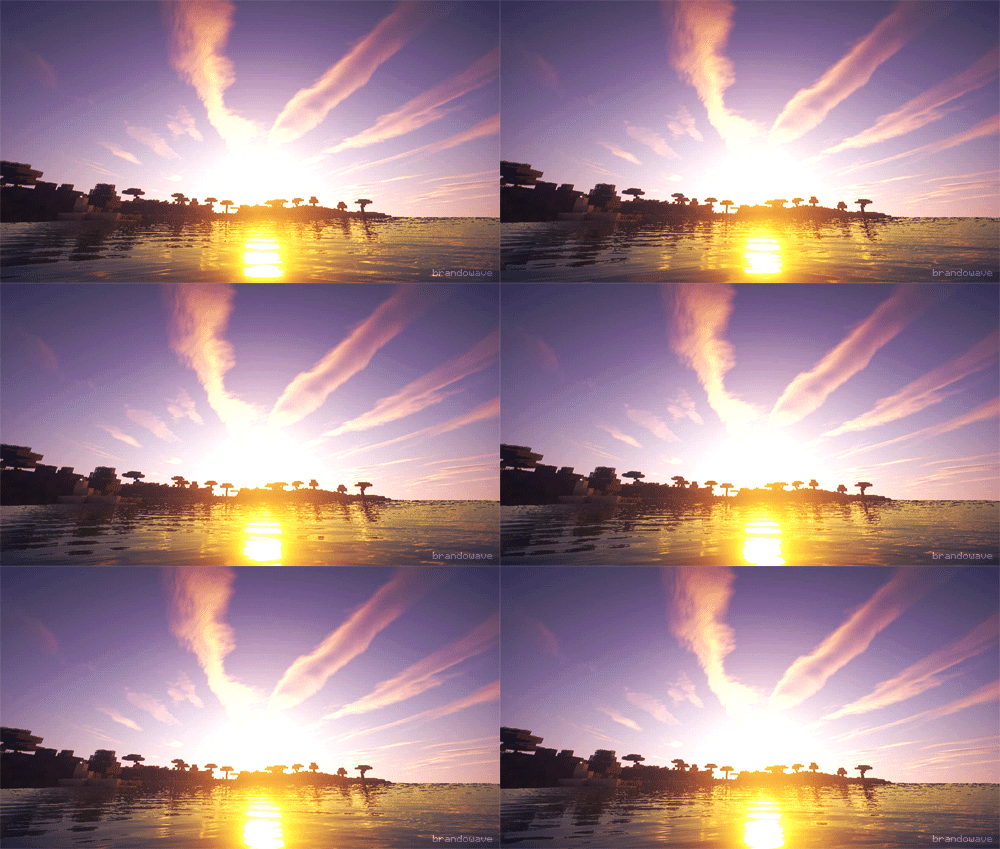
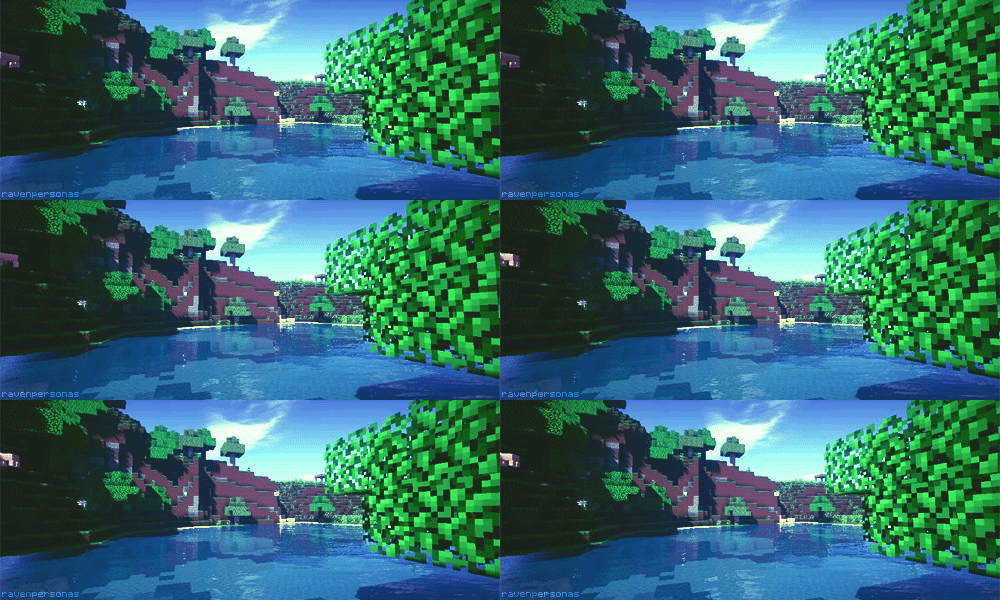
Background Tiles & Scans




















Wallpapers
Click the thumbnail to open in a separate window. Window has been scaled for size.








































Fanart Wallpapers
So, I decided to put some of these up for the sake of archival reasons. They're all made using fanart, and they're all incredibly old (Like 2004-2007). I decided not to include any wallpapers that were some form of crop and color adjustment from my old stuff, so only stuff that seems transformative. Things won't be added to this list any time soon, unless I find any more, but I don't think I will.
Show Wallpapers



Pixel Templates
|
This is the template I made for my buttons. It's a standard 88x31 pixel button size. |
|
Here's the frame that I use for my regular 100x100 pixel journal icons. One is the regular blue scheme I use throughout my site, and one is an example of it hue and saturation shifted. You're free to shift the colors on any of my templates, as I also like to shift them around and recolor them for different characters from time to time. When it comes to saturation shifting, I recommend staying generally within a range of 10-15 if you're going to add saturation. When going lighter, you can go up to 40. After a while it'll either get too bright or too dull. Just a suggestion. The green frame was the coloring I used for my Gardevoir icons. I haven't posted any of the other colors yet. |
|
This is the alt version of my icon frames. It has the original drop shadow, technically making the file 101x101, which is a bit awkward. This template also has the old CRT scanlines effect that I used to put directly onto the icons. You will have to change blending modes to use this correctly. I recommend using Soft Light. |
|
120 Pixel variant of my frame. I made this one as the thumbnail for article links, but 120 tends to be a common forum avatar size as well. Use this as you please. |
 |
150x150 frame that I use to link to images on my site. This one is unique, I suppose, but I wanted my picture links to stand out, so I made this. You can use it however you want. Unlike the CRT lines, you don't need to change blending modes on it, and can just paste it ontop of everything. |